 Monitorture
WUXGA (1920×1200) at 24″, 27″
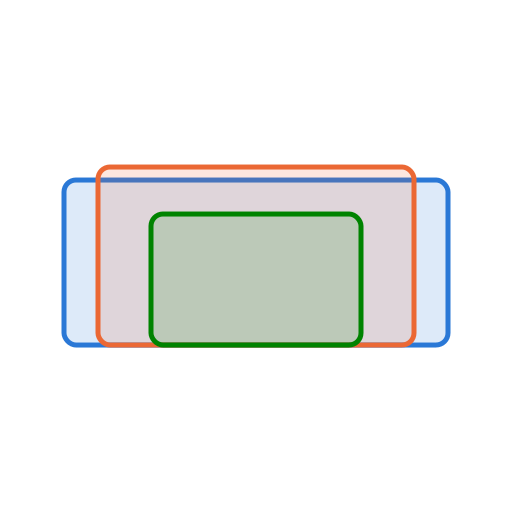
1920×1200 (16:10) is a resolution, not a size. The same pixel grid can arrive on a 24″ panel or a 27″ one — and it looks and feels quite different on each. Here's the same WUXGA grid at 24″, 27″, drawn to scale.
| Size | Width × Height | PPI | Pixel pitch | How it feels |
|---|---|---|---|---|
| 24″ | 20.4″ × 12.7″ | 94 | 0.269 mm | On the coarse side — pixels and soft text are visible |
| 27″ | 22.9″ × 14.3″ | 84 | 0.303 mm | On the coarse side — pixels and soft text are visible |
Why resolution alone doesn't tell you the size
Resolution is only the pixel count. Stretch those pixels across a bigger diagonal and each one gets larger, so pixel density (PPI) falls — text and edges look softer, even though nothing about the resolution changed. Shrink the diagonal and density rises, giving crisper text but smaller UI that you may want to scale up.
For a normal desk viewing distance, roughly ~95–120 PPI is the comfortable range where the interface reads well at 100% scaling. Below that, pixels start to show; well above it, everything is sharp but the UI shrinks until you turn on OS scaling. Viewing distance matters too — the farther you sit, the more forgiving a lower PPI becomes.
So a WUXGA panel can be a crisp 24″ (~94 PPI) or a roomy but softer 27″ (~84 PPI) — same pixels, different experience.